
- add your .m4r files to iCloud drive or whatever cloud platform you use to sync files with
- using the files app on your iOS device, tap and hold on the file you want added as a ringtone
- tap on the share icon at the top right, and then tap on ‘view more’ at the bottom right
- tap on ‘use as ringtone’ to immediately add the file to your list of available ringtones for calls and text messages in settings.app
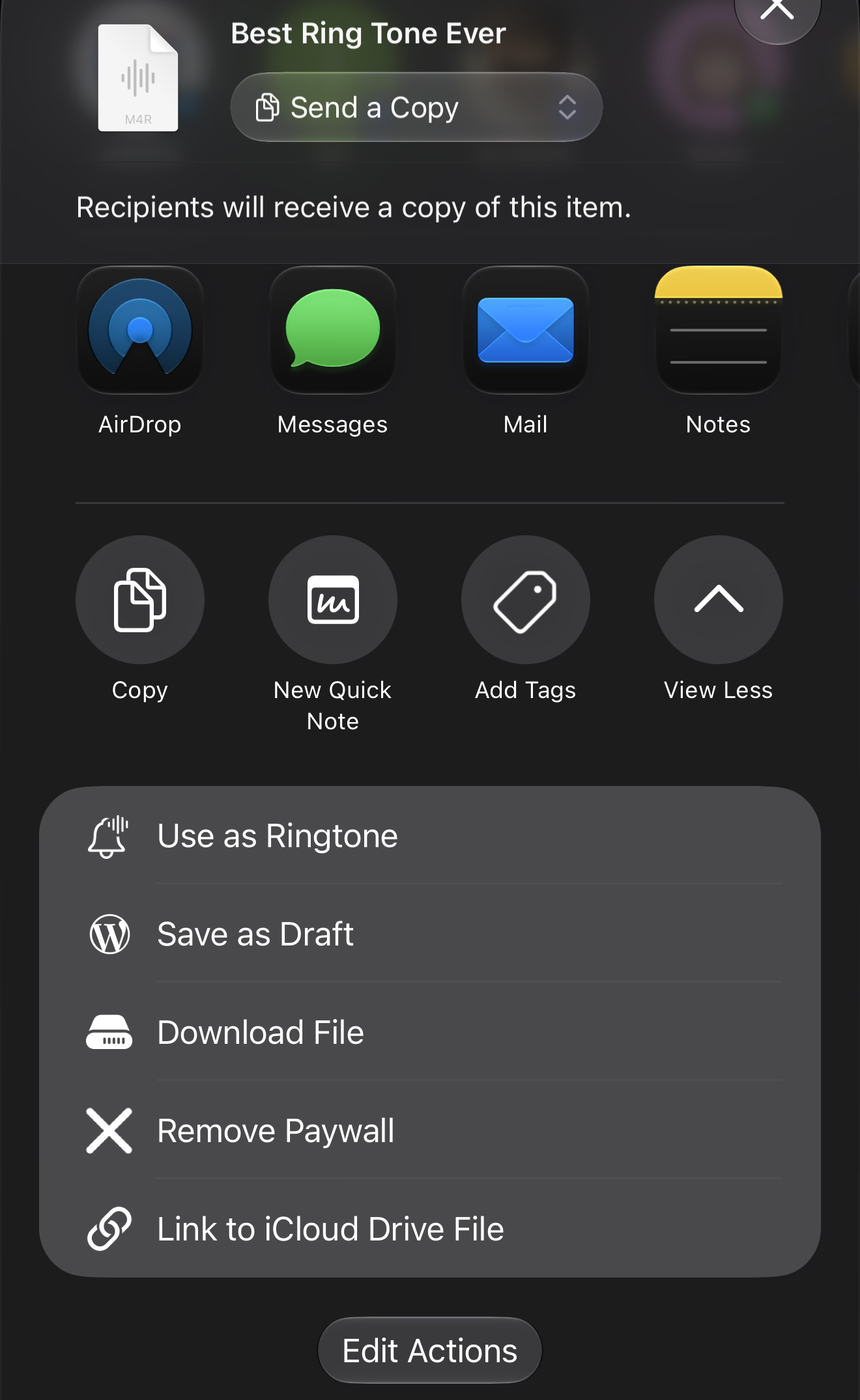
adding custom ringtones on iOS and iPadOS 26 and above without a computer.
You must be logged in to post a comment.